Curating knowledge
Knowledge management system examples your team can actually use
The teams seeing the most business success aren't abandoning their existing systems. They're adding a layer that activates them.

Ryan Macpherson

Editor:
Stephanie Chan
Most organizations already have a knowledge management system. It's the Confluence wiki three versions out of date. The onboarding doc buried in a Google Drive folder no one touches. The shared drive full of files named "final_FINAL_v3."
The concept of managing knowledge exists; the knowledge itself just isn't moving.
So the real question isn't what a knowledge management system is. It's what one actually looks like in practice: by team, by use case, by outcome. This article breaks it down:
Knowledge management system examples by team (HR, sales, support, ops, and more)
The main types of knowledge management systems and when to use each
When to turn your knowledge management system into interactive training
What is a knowledge management system?

A knowledge management system is any tool or process that helps a team capture, organize, and share what they know. That includes:
Documentation
Wikis
Internal knowledge bases
Training materials
Even the informal know-how sitting inside people's heads (called tacit knowledge)
The goal is simple: make the right knowledge available to the right people at the right time. In practice, though, most systems stop at storage. Knowledge gets captured. It just rarely gets used.
A strong knowledge management system makes knowledge sharing a default, not an afterthought.
Examples of knowledge management systems by team
A knowledge management system looks different depending on who's using it. Here's how real teams put it to work.
HR and people teams
HR teams use a knowledge management system to make sure every employee has access to the right information at the right time. A typical setup looks like this:
New hire onboarding flows built from existing policy documents
Compliance training delivered as trackable interactive training
Benefits and culture documentation organized in a centralized repository
Role-specific learning materials assigned by department or location
Take a people team at a fast-growing company. They store all HR documentation in Notion, then use Coassemble to turn those docs into branded onboarding courses. New hires complete training on day one. HR tracks progress in real time. Knowledge sharing becomes a default part of the process, not an afterthought.
Sales teams
Sales teams use a knowledge management system to keep valuable knowledge current, accessible, and actually usable in the field. Common knowledge resources include:
Product positioning and updated messaging
Competitive battlecards and pricing guides
Objection handling frameworks
Onboarding paths for new sales hires
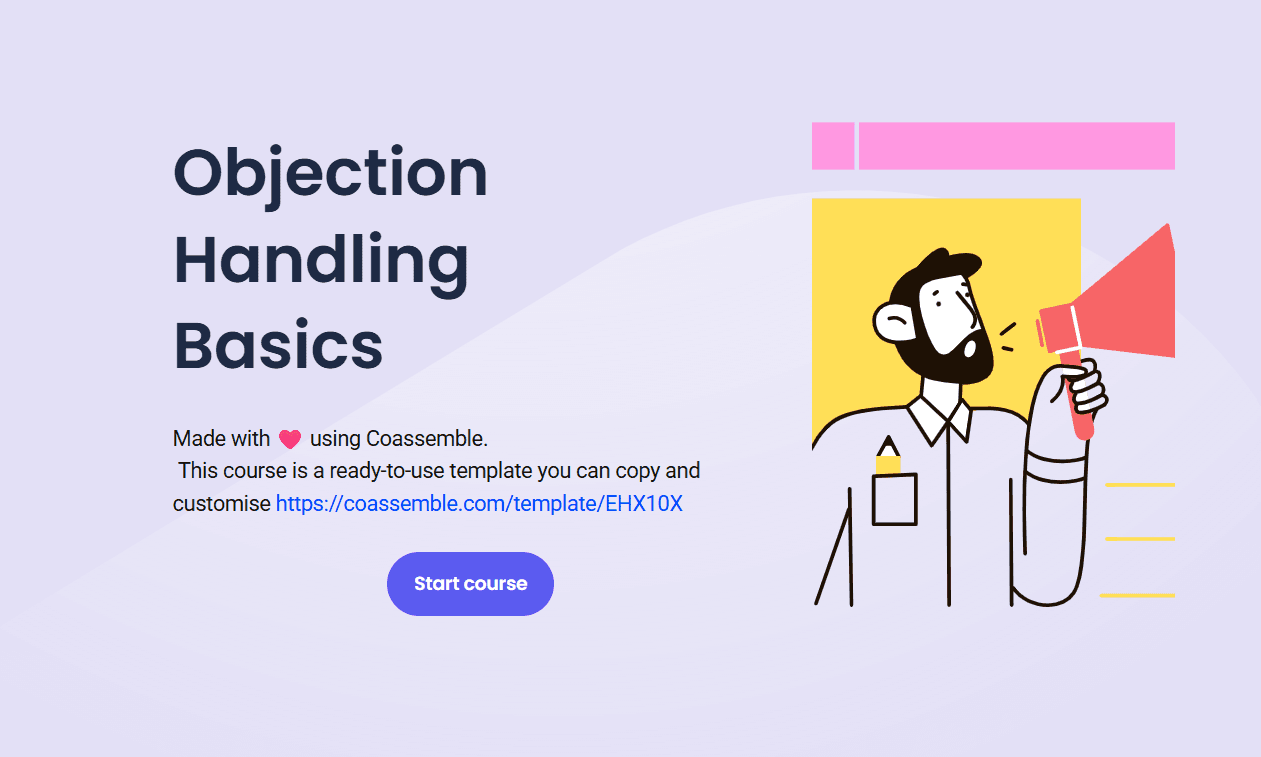
Coassemble's Objection Handling Basics template is a strong real-world example. A sales enablement manager takes existing coaching content and turns it into a structured four-module course, complete with a final assessment. Reps access it on any device, mid-deal if needed.
Customer support teams
Support teams use a knowledge management system to empower customers and agents alike. A well-run support knowledge base typically includes:
Searchable knowledge base articles covering common customer issues
Step-by-step troubleshooting guides for support agents
External knowledge bases for customer self-service
Ongoing training for new support team members on products and processes
According to Pylon, sixty-one percent of customers prefer self-service resources for simple issues over contacting a live agent. Teams that maintain accurate, up-to-date knowledge bases see stronger customer satisfaction scores, faster resolution times, and fewer repeat customer calls.
Tools like Jira Service Management and Zendesk are common choices for teams building this out.
Operations and process-heavy teams
Ops teams use a knowledge management system to keep standard operating procedures consistent and accessible across the organization. Practical examples include:
Step-by-step how-to guides for recurring workflows
Process documentation updated in real time using version control
Workflow automation that surfaces the right SOP at the right moment
Training built directly into process documentation for immediate access
When this works well, the impact on operational efficiency is significant. New team members get up to speed faster. Experienced employees make better decisions with less back-and-forth. The organization's knowledge stops sitting in someone's inbox and starts doing something useful.
L&D and training teams
L&D teams use a knowledge management system as the backbone of their training programs. In practice, that means:
Using actionable insights from content usage data to identify knowledge gaps
Converting existing knowledge resources into interactive training
Distributing learning materials through collaboration tools teams already use
Tracking user adoption and engagement across the organization
According to IDC, 35% of organizations saw improvements in employee performance after strengthening their knowledge management approach.
L&D teams using Coassemble alongside their existing LMS build interactive training fast from existing content, then deliver it through the tools already in use. Knowledge moves faster. Training reaches further. And the results show up in the data.
The types of knowledge management systems (and when to use each)
Choosing the right knowledge management system depends on what your team needs to do with knowledge. Here's a breakdown of the main types and where each one fits.
Internal knowledge bases
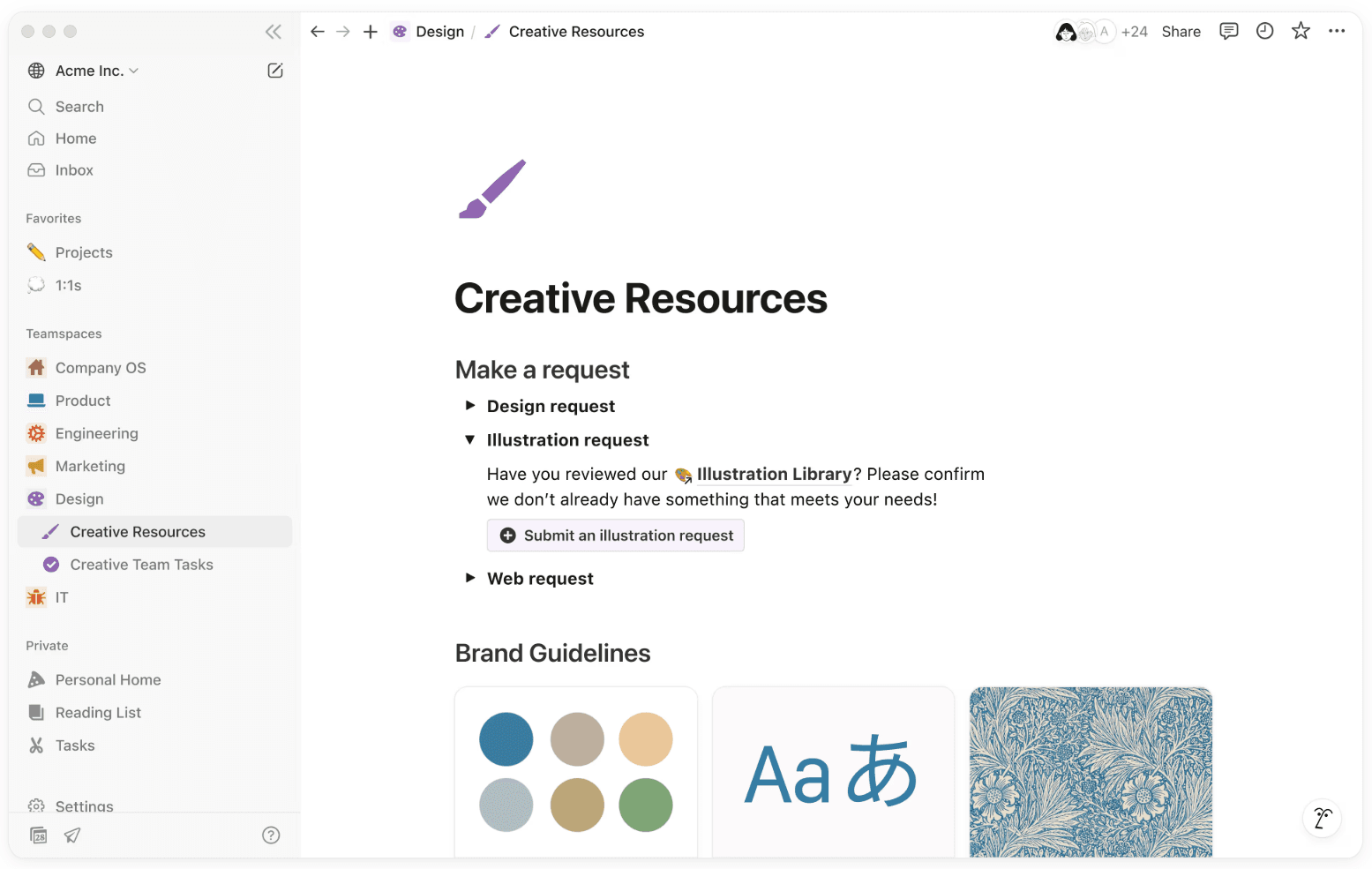
Tools like Confluence, Notion, and SharePoint are built for documentation. They give teams a centralized repository to capture processes, policies, and the organization's knowledge at scale. Search functionality is usually solid. Version control keeps content accurate and current.
Some teams maintain both internal and external knowledge bases. Internal ones serve employees. External knowledge bases face outward, giving customers and partners immediate access to how-to guides, FAQs, and troubleshooting resources. Done well, they're one of the most effective customer self-service tools a support team can offer.
Best for: storing and organizing knowledge across a diverse user base. The next step is making that knowledge learnable.
Document management systems
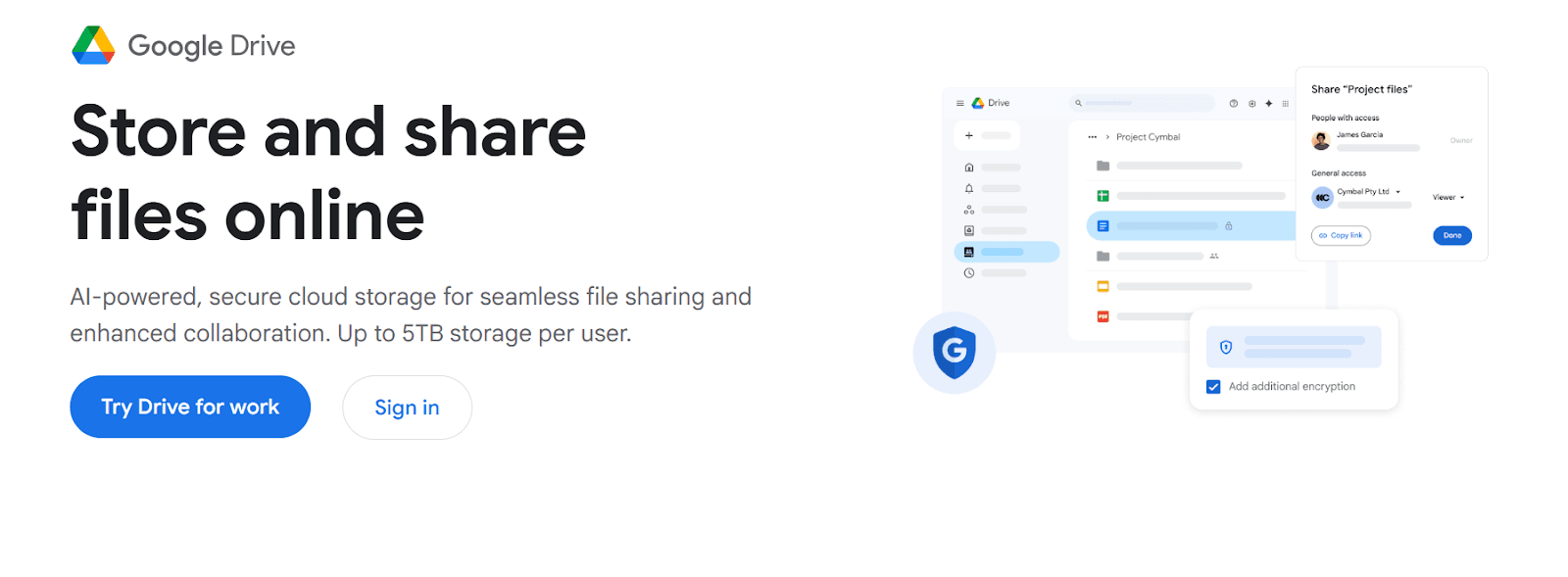
Google Drive and SharePoint are the default starting point for most teams. Files are stored, folders are structured, and access is managed across the organization. For teams that need a simple, familiar home for their knowledge resources, document management systems are a practical choice.
Best for: file storage, version control, and sharing knowledge across teams. Pair with a course creation tool to make that content actionable.
Learning management systems
An LMS is purpose-built for training delivery and tracking. It handles training programs, completion records, compliance tracking, and learning paths. For organizations with formal training requirements, an LMS provides the infrastructure to manage it all.
Many teams use an LMS as the backbone of their training ecosystem. Plugging a knowledge transfer platform into it keeps content fresh and reduces production time significantly.
Best for: structured training delivery, compliance tracking, and formal learning programs.
Knowledge transfer platforms
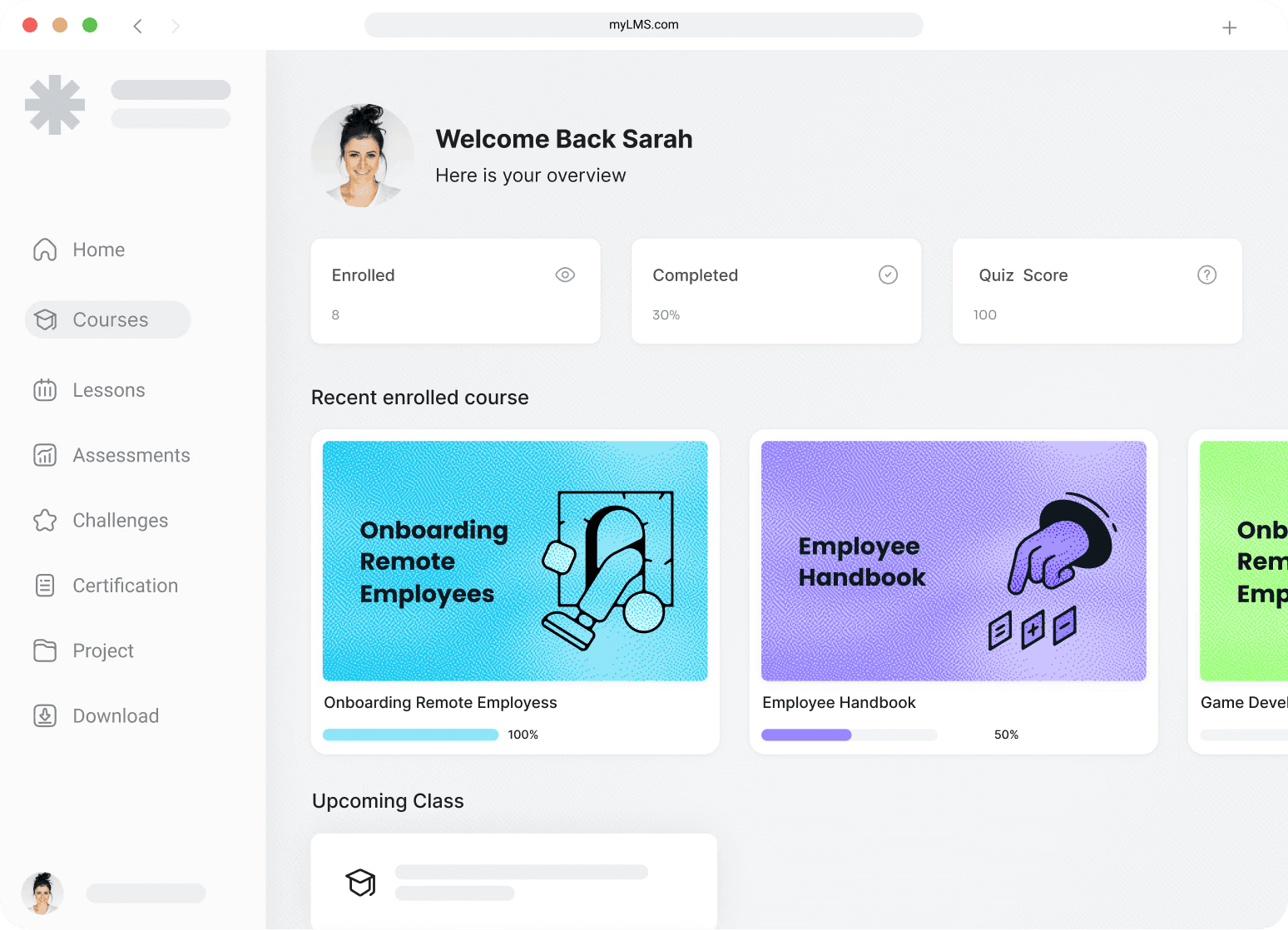
A knowledge transfer platform like Coassemble sits at the intersection of knowledge management and active learning. It takes existing knowledge (SOPs, onboarding docs, sales playbooks, policy updates) and transforms it into interactive training that's trackable and shareable.
It plugs directly into your existing LMS, HRIS, and collaboration tools, so knowledge moves through the systems your team already uses. Share via link, embed in your LMS, push through Slack or Teams, or export as SCORM. Seamless integration means no new platform for employees to log into and no disruption to existing workflows.
For teams that need to capture knowledge and put it in motion fast, this is the layer that makes the rest of the system work.
Best for: turning existing knowledge into interactive, trackable training at speed.
When to turn your knowledge management system into interactive training
The best knowledge management system captures and organizes what your team knows. But storage and transfer are two different things.
Most knowledge management software is built for retrieval. Employees can find a document if they know to look for it. But there's no way to know if the information actually landed, or identify knowledge gaps before they affect performance.
The teams seeing the most business success aren't abandoning their existing systems. They're adding a layer that activates them.
Coassemble plugs into your existing KMS and LMS, turning stored knowledge into interactive training that's trackable and shareable. An HR policy becomes an onboarding course. A sales playbook becomes an assessed module. A compliance document becomes a branded learning experience.
Your team already has the knowledge. Coassemble helps you put it in motion.
FAQs on knowledge management systems
What are examples of knowledge management platforms?
Common examples include Confluence, Notion, SharePoint, and Guru for documentation and internal knowledge bases. Coassemble is a knowledge transfer platform that turns stored knowledge into interactive, trackable training.
What are the most common types of knowledge management systems?
The main types are internal knowledge bases, document management systems, LMS platforms, and knowledge transfer platforms. Each serves a different purpose, from storing information to actively transferring it.
What is the difference between a knowledge management system and an LMS?
A knowledge management system captures and organizes information. An LMS manages formal training delivery and tracking. A knowledge transfer platform like Coassemble bridges both, turning existing knowledge into trackable, interactive training.
How do teams use knowledge management systems in their daily work?
Teams use them to access standard operating procedures, onboarding materials, and training resources. The most effective systems deliver knowledge inside the tools teams already use daily.
Can knowledge management systems integrate with Slack?
Yes. Platforms like Coassemble integrate with Slack and other team tools, so training and knowledge resources reach employees directly in their workflow, without a separate login.
Read More


Join the knowledge revolution today
Unlock knowledge. Boost engagement. Drive results
No credit card required

Join the knowledge revolution today
Unlock knowledge. Boost engagement. Drive results
No credit card required
Join the knowledge revolution today
Unlock knowledge. Boost engagement. Drive results
No credit card required